
Studio Resources
Welcome to the Studio Orientation Resource Hub. This guide is designed to help faculty members prepare for recording high-quality lectures in the Learning and Teaching Hub’s studios. Whether you are using the green screen studio, the lightboard, or self-service setups, these resources will provide you with everything you need to know to feel confident before stepping into the studio.
This online resource is intended to complement your in-person orientation session. Here, you will find clear guidelines on preparing your presentation, reserving your studio appointment , on-camera performance, and the many tools and resources available to you. By reviewing this content ahead of time, you’ll be ready to maximize your recording session and produce the most engaging materials possible for your students.
-
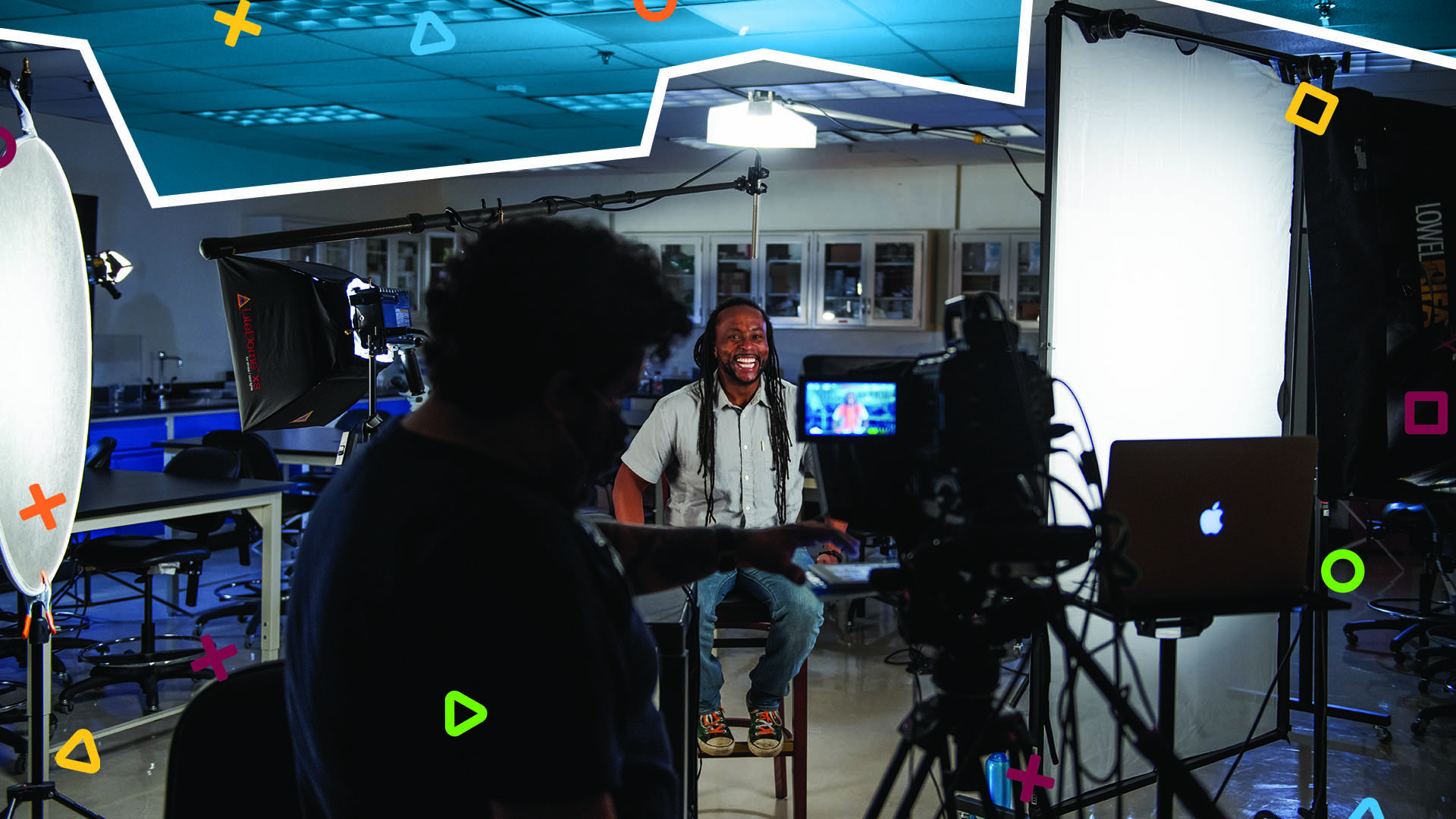
A strong studio recording begins with well-prepared presentation materials.
-

Recording in the studio can feel different from teaching in a classroom, so preparing yourself is just as important as preparing your slides.
-
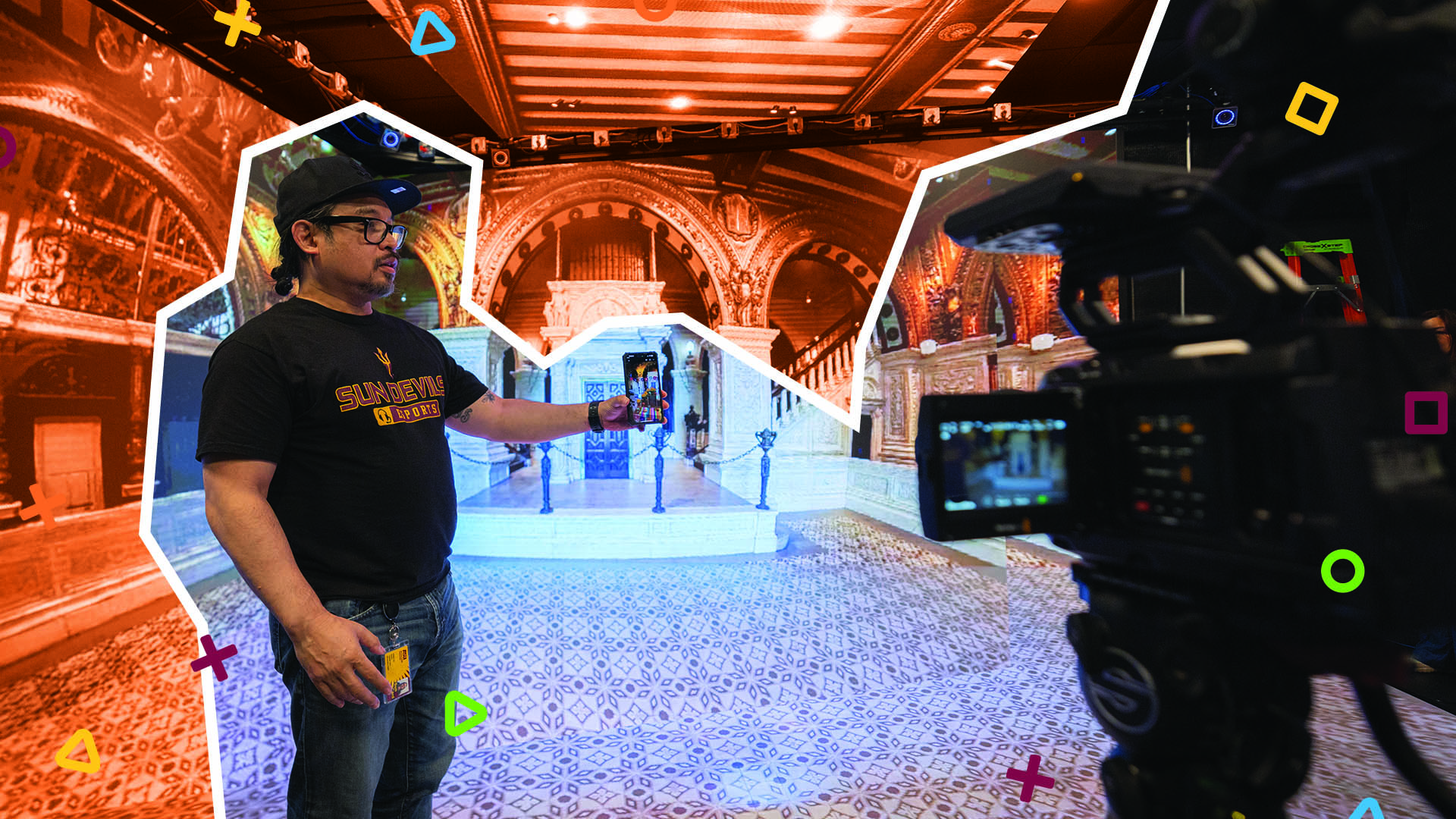
Efficient scheduling and clear communication ensure that every faculty member has fair access to studio time and that all recording sessions run smoothly.
-

Teaching on camera requires small adjustments to maintain student engagement.
-
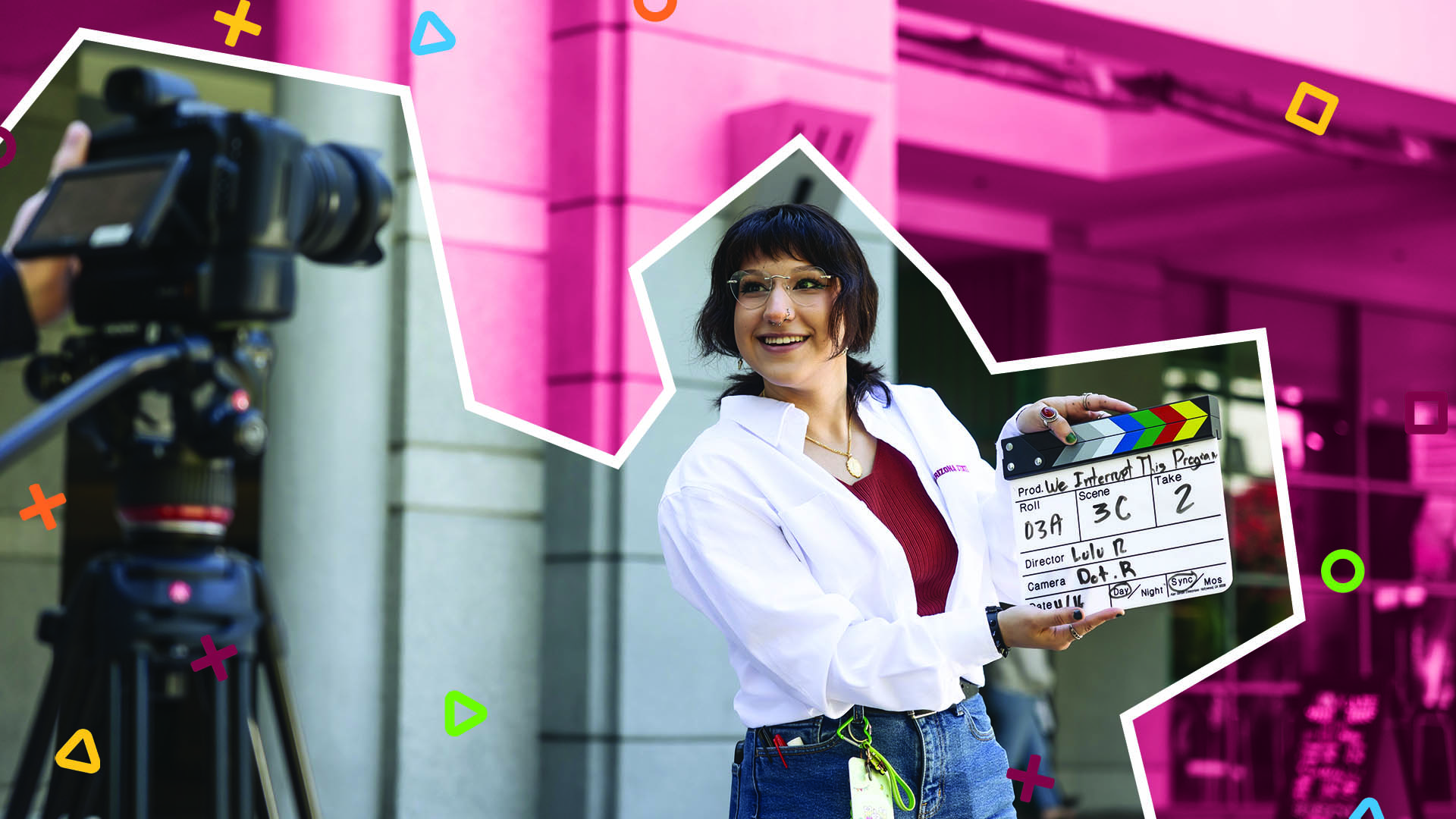
Understanding the studio’s tools and recording techniques helps you create polished, accessible, and engaging lectures with confidence.
-

The lightboard studio offers a unique way to deliver content by allowing you to face students while writing out equations, diagrams, or illustrations.