Studio Resource:
Studio Tools & Recording Techniques
Understanding the studio’s tools and recording techniques helps you create polished, accessible, and engaging lectures with confidence.
Presentation Tablet
The presentation tablet allows you to annotate slides directly. Choose from six colors (black, blue, red, green, yellow, orange). On white backgrounds, stick to darker colors; for dark slides, use yellow or orange. The pen tip writes, while the back of the stylus erases. Annotations are tied to individual slides and do not carry over when the slide is advanced.


Annotations with/without Speaker Notes
If you use speaker notes, annotation may be disabled. In that case, use the mouse cursor to highlight areas of interest by circling or hovering.
Saving Annotations
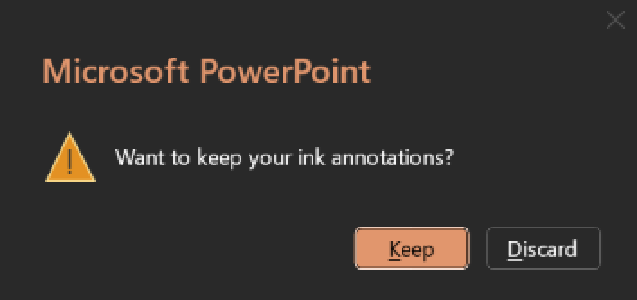
At the end of your recording, always choose to Keep annotations. These become valuable study aids for students, can be edited later by learning designers, and can even be useful in the process of editing your videos. Please save them!